TL;DR: OpenClaw use cases that stick are thirteen everyday-life patterns in 2026: a chat-app personal assistant on WhatsApp or Telegram, a morning brief, a voice-note journal, meeting transcripts, meal planning, a personal news digest, travel planning, language learning, a habit tracker, gift reminders, photo organization, personal-finance from receipts, and a household command center. Setup runs from one evening to two weekends.
The honest split with OpenClaw use cases is this: it replaces some chunk of three small jobs at once, not one whole job. Reddit threads on openclaw use cases keep surfacing the same pattern: wiring it to WhatsApp or Telegram, pointing it at a notes folder as memory, and letting it run small recurring tasks on a schedule.
From there the patterns are consumer-flavored. A WhatsApp setup tracks calorie logs, to-dos, and shopping lists from any phone. A family runs the household via one Telegram thread, with a shared list, meal plan, and smart-home triggers. A solo user keeps a voice-note journal and gets a curated news digest filtered to actual interests.
The one-evening use cases (digests, journal capture, recipe pulls, meeting transcripts) tend to work first try. The richer ones take iteration; a household stack with shopping plus meal plan plus smart-home triggers, or a habit tracker that nudges without annoying you, both took me a second weekend. The substrate is a $4-20/month VPS or a Mac mini; API spend lands around $5-30/month for personal use.
The through-line under every "use cases" listicle is that one operator runs an entire small gardening business through the same chat thread, from a truck via Telegram: work orders, photos, invoices, the rest. The starter version is the household-flavored stack below. The thirteen patterns aren't a menu; they're the same chat thread, added to one weekend at a time.
| Use case | Replaces |
|---|---|
| Chat-app personal assistant | A new app icon on your phone |
| Daily morning briefing | Checking five apps before coffee |
| Voice-note journal | A notebook you stopped opening |
| Meeting transcript with action items | Frantic meeting notes you'd forget by Thursday |
| Recipes + weekly meal plan | Endless recipe-blog scrolling |
| Personal news digest | Apple News / Google News doomscroll |
| Travel planning | Twelve browser tabs and a Google Doc |
| Language learning | A Duolingo streak you've stopped opening |
| Habit tracker | A streak app you deleted last month |
| Gift-giving assistant | Panic-buying on Amazon the night before |
| Photo library organization | A camera roll you never search |
| Personal-finance from receipts | A spreadsheet you stopped updating |
| Household command center | A whiteboard plus a Google Doc plus group texts |
Use case 1: a personal assistant inside your existing chat app
The most-used everyday pattern is the chat-app personal assistant. You pair OpenClaw to one chat platform you already live in (WhatsApp, Telegram, Slack, or Discord), point its memory at a notes folder, and start texting it. Calorie logs, to-dos, shopping reminders, the dentist's name, the kid's school project, all flowing through one thread you already check. If the team you already live in is on Slack, the 9-scope OAuth setup is the bridge that makes this real.
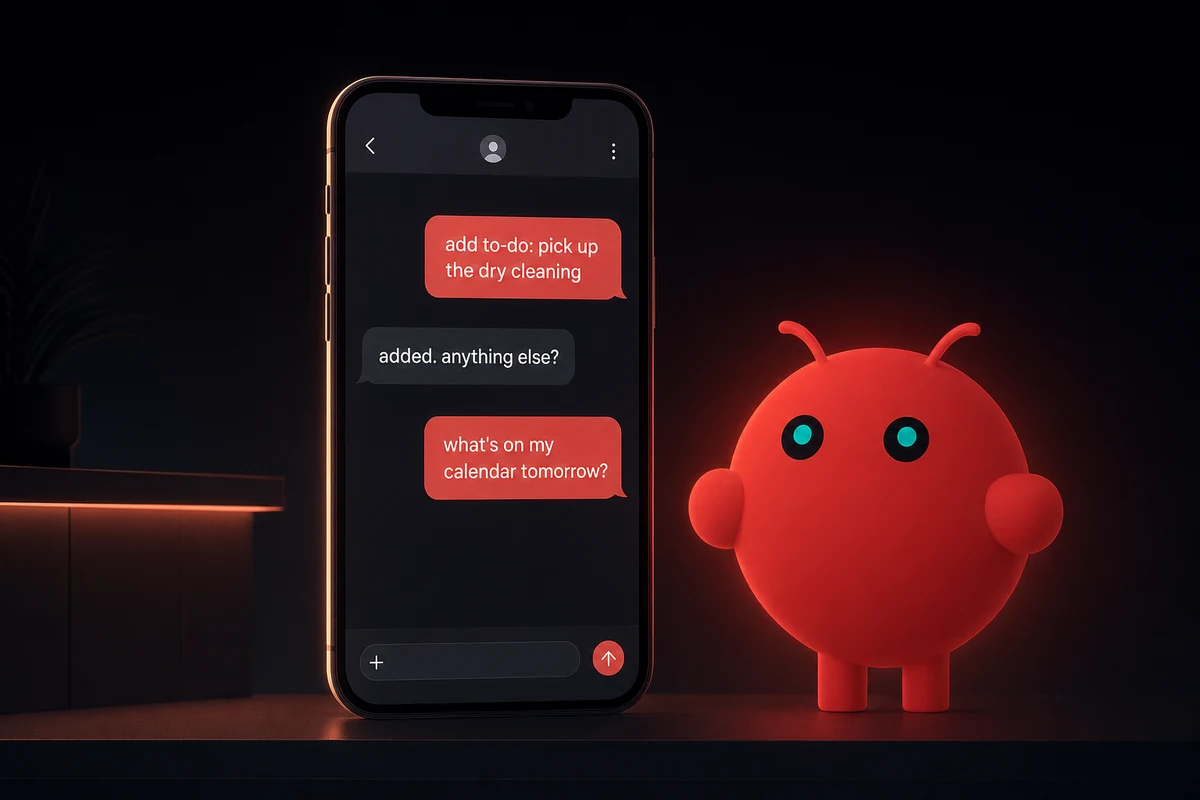
What makes this stick is the reach you inherit for free. You don't open a new app. You don't keep another browser tab alive. The agent is wherever your text messages are, which on most days is exactly one tap from the home screen.
The setup runs about one evening. Pair the chat platform first: the WhatsApp + OpenClaw setup guide walks through the pairing dance, and the Telegram bridge is the easier path if you don't mind nudging family onto a second app.
Point the agent at an Obsidian-style notes folder so it can read and write to one shared place. Add the smallest skill you can think of, usually a one-liner that appends a shopping item to a list file.
From there the daily texts pile up: weight log, meeting notes from the car, the thing the dentist said you should ask about next time. The thread becomes a record of small decisions that used to live in your head.
The breakage that bites first is exactly that, the unofficial-client risk. The fix is a throwaway number from the start, not after the first ban.
Use case 2: a daily morning briefing that respects your actual calendar
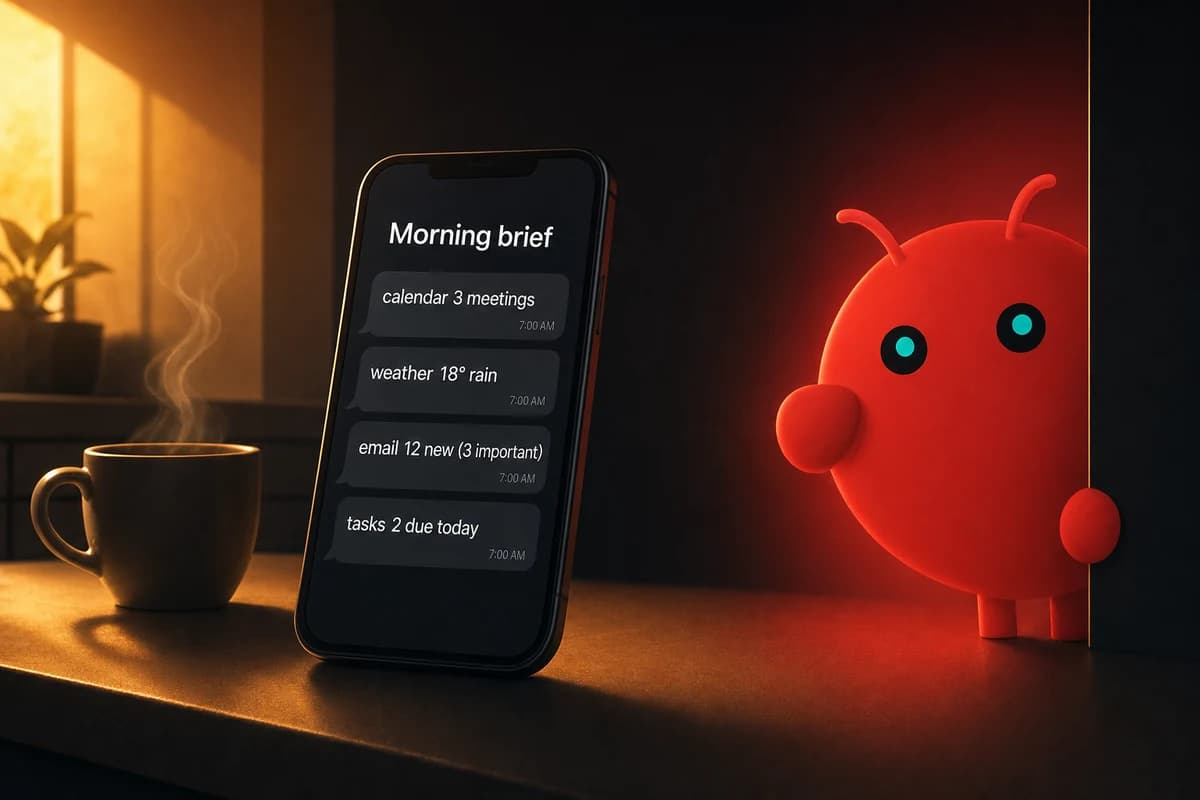
Imagine waking up to one chat message at 7am with everything you'd want to know for the day. Calendar events, weather, emails worth reading, open tasks, and the one thing you wrote down yesterday that matters today. Most listicles cover this. Almost none cover the calibration step that decides whether it survives past day eight.
The hidden step is a one-week pruning pass. The first version of any brief is mostly noise. Newsletters you forgot you subscribed to. Automated alerts from a service firing for two years. Calendar events you never moved out of "tentative."
Without pruning, you read the brief twice and then skip it. With pruning, it sticks because every line on it actually means something.
The other piece most listicles skip is the memory reuse. The same notes folder the chat assistant writes to is where you drop a one-liner about what mattered yesterday. The next morning's brief surfaces it back to you. The calendar doesn't know what you wrote down in a kitchen at 11pm; the agent does.
To wire it, have the brief read your calendar, fetch the weather, summarize new emails with an email triage skill, pull open tasks, and include yesterday's one-line note. Run it daily, then prune for a week. The version that sticks is calibrated by the second weekend.
Use case 3: voice notes that become a journal you can actually search
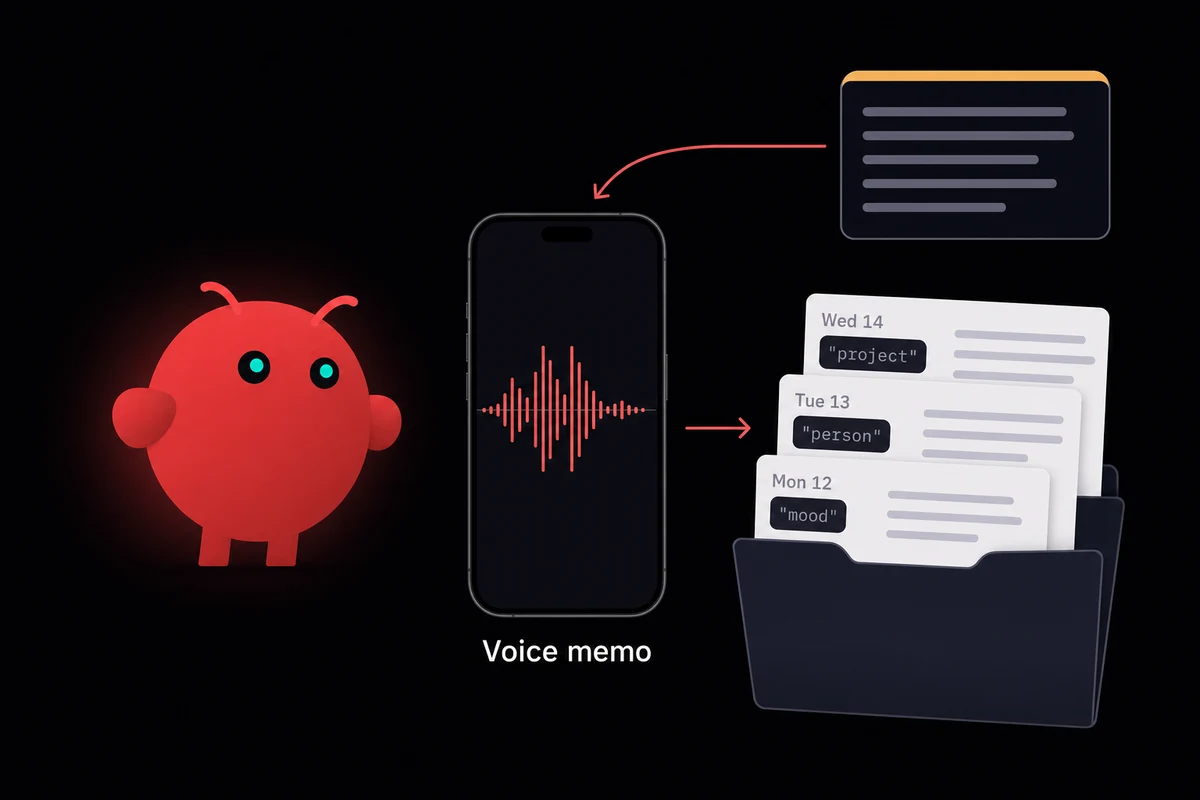
Voice journaling is the use case people start, abandon, and start again. It fails the first time because "transcribe my voice notes" is a dead-archive pattern. You record, the agent transcribes, files pile up, you never read them. The version that sticks transcribes, tags by mood and topic, and writes a weekly self-summary you actually read.
The setup runs about an evening. Record voice notes from your phone or a wearable, the agent transcribes them, tags each one by mood, topic, people, and project. Everything goes into your memory folder so the search later is real.
Without the weekly summary, the transcripts go unread. With it, you start noticing patterns: weeks where one person came up constantly, mood dips that line up with one project, ideas you forgot you had two months ago.
There's an under-discussed effect here. Building this is the most common learning vehicle for figuring out how agents actually work.
You can see exactly what the agent picks up and what it misses because it's all reflecting back at you in your own words. People who start with the journal pattern end up with a better mental model of LLMs than people who start with anything else.
What breaks is hallucinated tags on short clips. A six-second voice note that says "remind me about Sarah" can get tagged as "work, anxious, deadline" because the model fills in the gaps. Tell the agent to leave tags blank when it isn't confident. Confident-only tagging keeps the index honest.
Use case 4: meeting transcription with action items the agent actually pushes
Most listicles stop at "transcribes meetings." That part's been solved for years. The version that's actually useful in 2026 extracts action items, names who owns them, dates them, drafts a follow-up email, files the full transcript, and pushes the tasks into your task manager. The single skill does three small jobs you used to do manually.
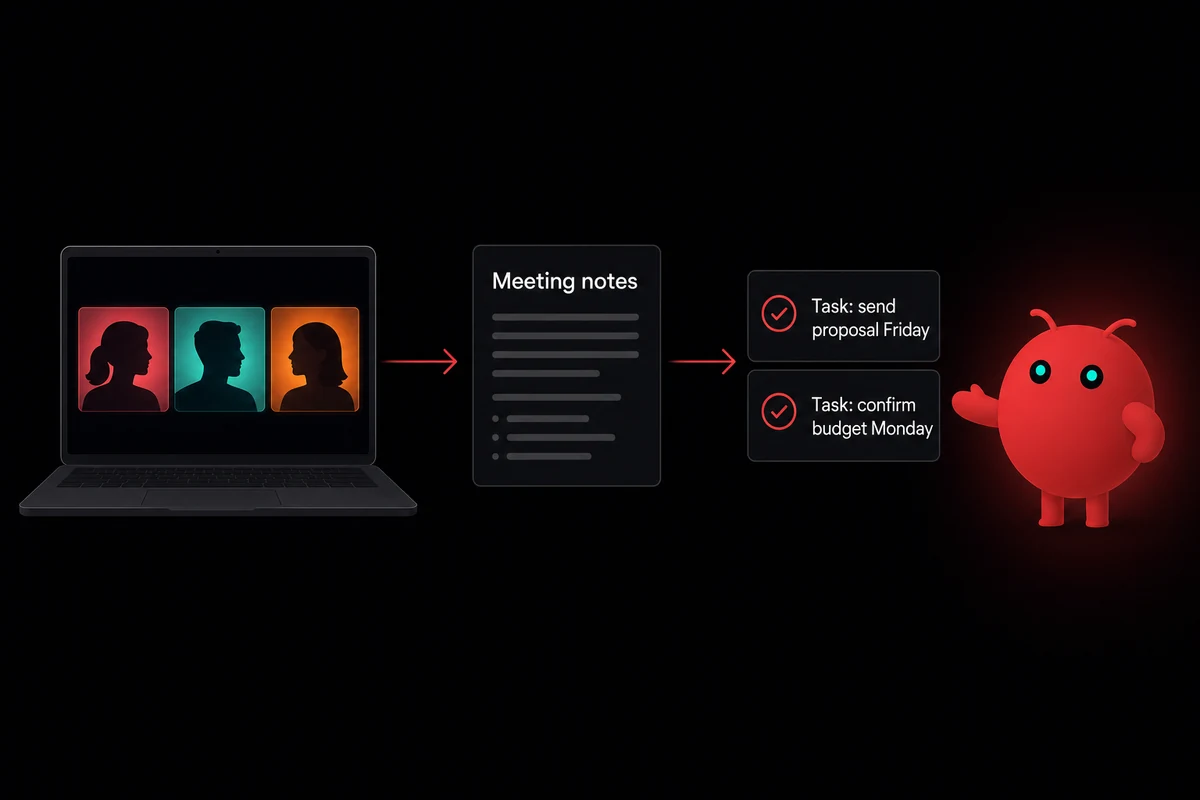
This fits anyone with weekly team meetings, parent-teacher calls, doctor consults, recurring family check-ins. Work isn't the only domain. I started using it for two recurring 1:1 meetings I kept forgetting to follow up on. The agent's "draft email to send" sat in my inbox by the time I closed the laptop.
The realism check is honest: extraction works; the "who owns this" attribution depends on whether the meeting was clear about it. Vague meetings produce vague action items, agent or no agent.
The setup runs about an evening. Point the agent at Zoom or Fathom transcripts, or a local recording from your laptop's microphone. Then define one "parse and push" skill: read transcript, extract action items with owners and dates, draft a summary email, file the transcript, push the tasks.
What breaks is the agent confidently inventing action items when the meeting rambled. Two meetings in I caught the agent assigning me a task nobody had said out loud. The fix is to prompt the agent to flag items it's unsure about with a "(?)" rather than push them straight through. Vagueness flagged is much better than vagueness laundered into a task list.
Use case 5: recipes and weekly meal planning from what's already in the fridge
The meal-planning use case fails when it ignores what's actually in your fridge. Recipe websites give you generic plans for a generic family. The agent starts from your inventory. Text it what's in the fridge, or photograph a shelf, and it suggests a week of meals using those ingredients first, then writes a shopping list grouped by aisle.
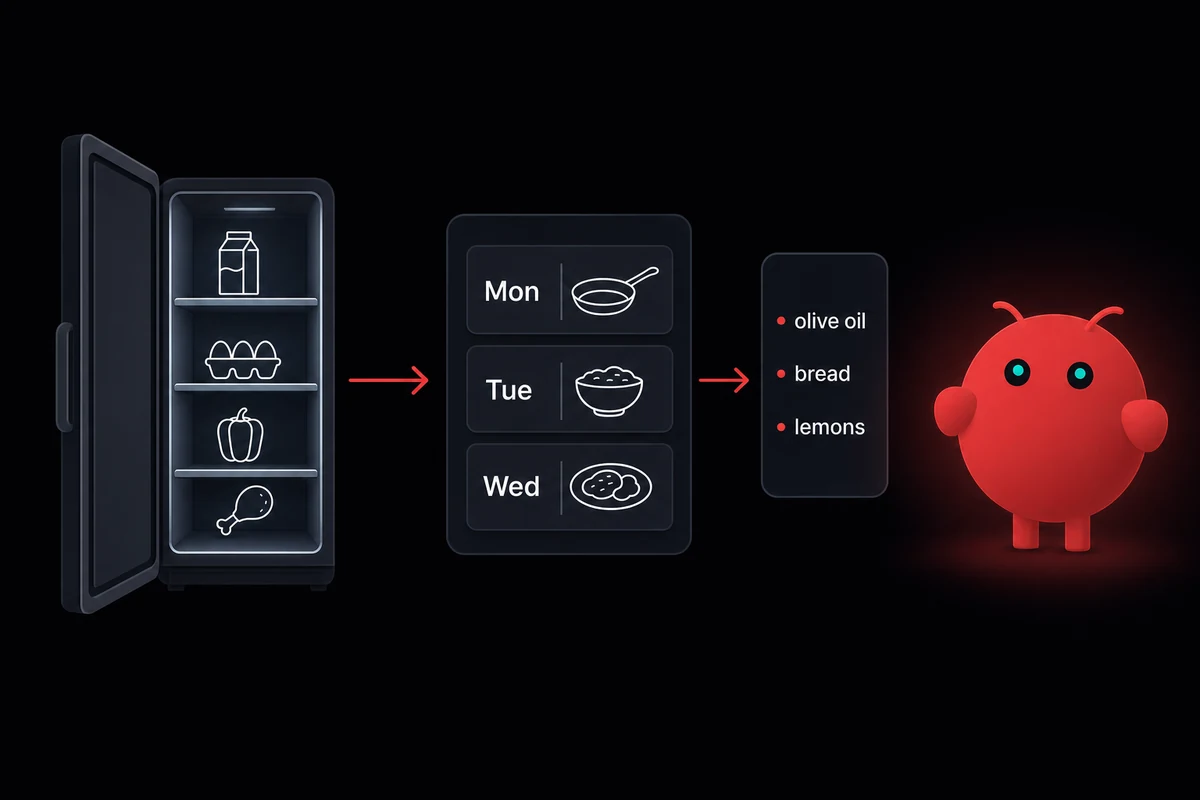
The hidden step is feeding the agent three or four meals you actually like as memory. Without that anchor, every week reads like generic risotto and generic baked chicken. With it, suggestions get sharper.
Around week three I noticed the agent stopped suggesting one specific casserole I'd subtly downvoted by saying "yeah, maybe next week" three times in a row. It had remembered.
The shopping list pattern is where this becomes a household tool. Family members text "out of milk" to the thread, the agent maintains a running list, deduplicates, and groups the final order by aisle.
That last part matters more than it sounds. A list ordered "milk, lightbulbs, lettuce, batteries, yogurt" takes twice as long in the store as the same list reordered "lettuce, yogurt, milk, batteries, lightbulbs."
What breaks is specialty ingredients you can't find locally. The agent will happily suggest pomegranate molasses if it doesn't know which stores you actually shop at. Tell it which stores you use, so it filters recipes to that set. The first three weeks of correction give it enough memory; after that it stops asking.
Use case 6: a personal news digest filtered to what you actually care about
Most news apps optimize for clicks. A personal digest optimizes for your stated interests list. Give the agent topics, people, sports teams, hobbies, or local events you want to follow. It checks once a day, summarizes new entries by topic, and posts one digest to your chat. No engagement spiral, no celebrity notifications.
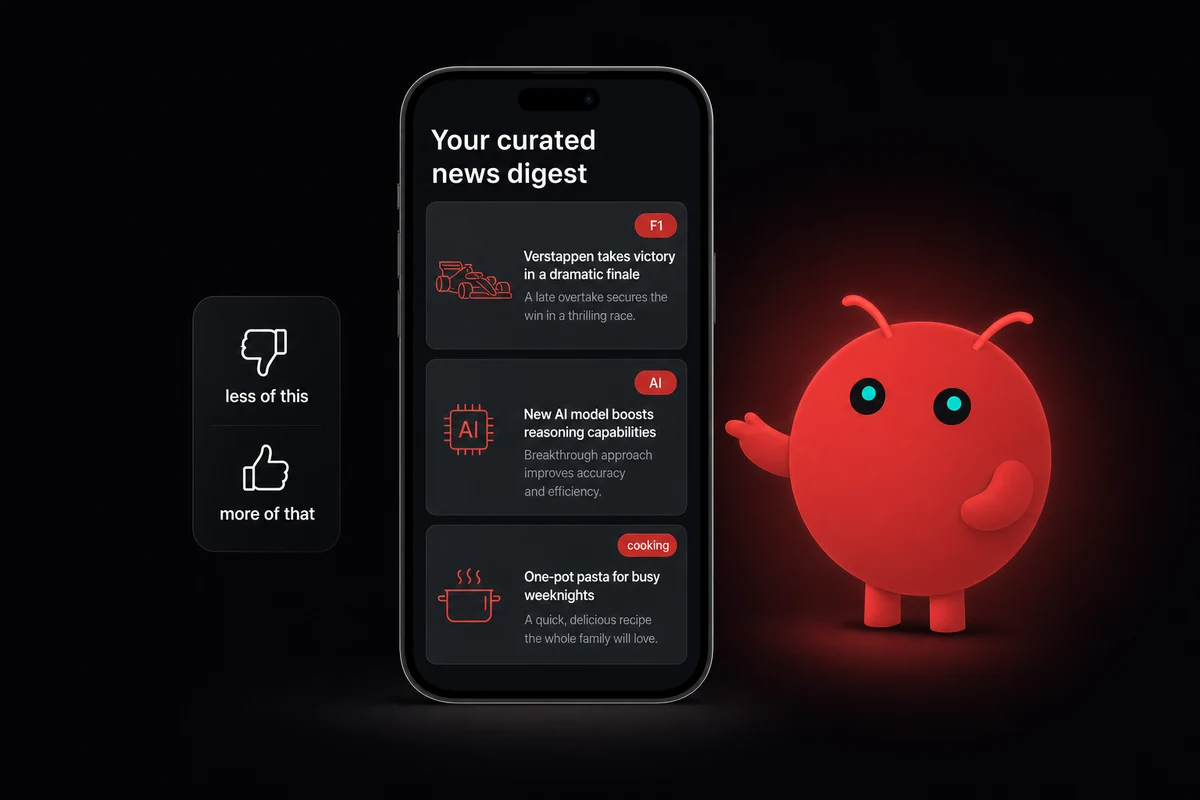
The pruning pass is what makes it stick. The first two weeks are noise: too broad on some topics, too narrow on others, a couple of feeds whose tone doesn't match.
The version that survives asks every Sunday "less of this, more of that?" After two weeks the calibration settles and the digest reads like something a friend curated. Before that, you'll think it's broken. It isn't, it's untrained.
I built this one after embarrassing myself with my own screen-time report. Two news apps were eating an hour a day and I'd been lying to myself about how much I "needed" them. The thing I actually missed was the morning headline scan, not the doomscroll.
The agent does just the scan, on the topics I asked for. The aimless habit of opening an app to see "what's new" stopped because there was nothing to open. The digest just lands in chat at 8am.
What breaks is stale interests. You said "follow F1" eight months ago and don't watch it anymore, but the digest still leads with it every week. The fix is a monthly "still care about these?" prompt from the agent. It takes about ninety seconds and the digest stays accurate.
Use case 7: travel planning that absorbs your actual preferences
My first attempt at agent-driven travel planning lasted exactly one trip. The itinerary ignored everything I'd told it and recommended a five-star hotel halfway across the city from anything I'd asked to see.
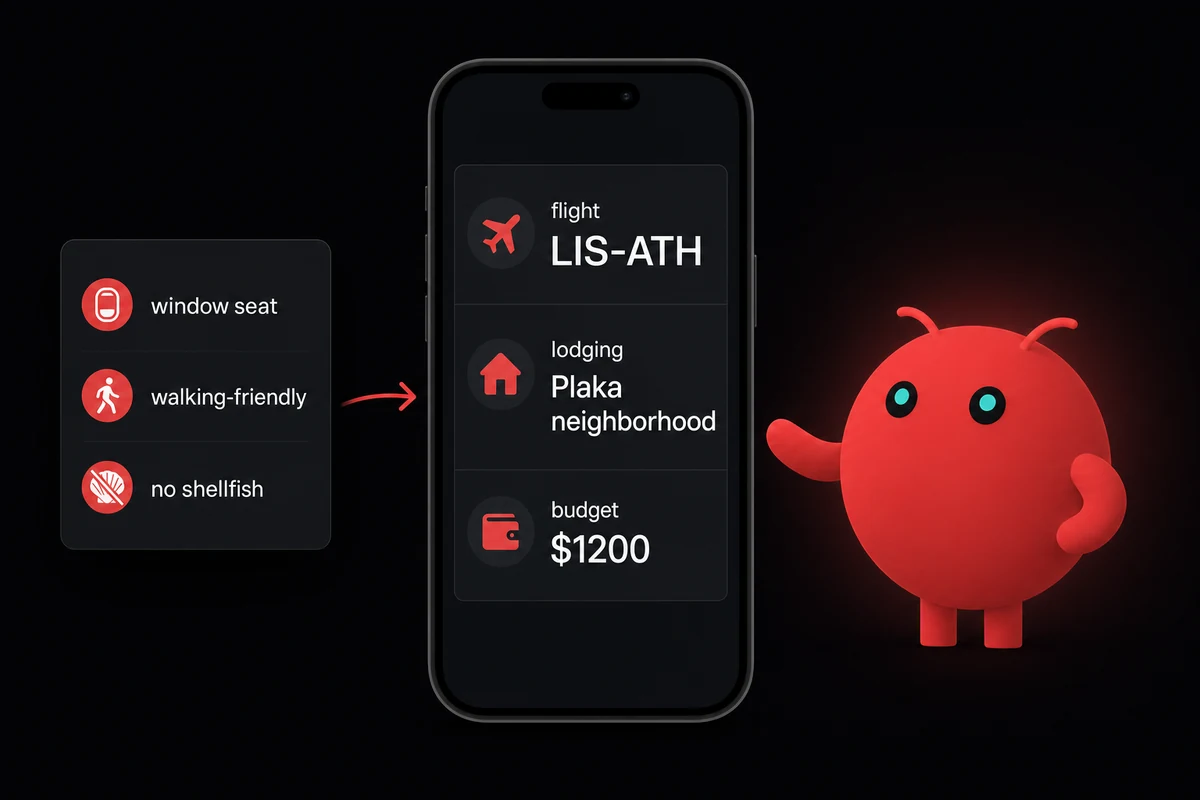
The version that survives remembers across trips. The agent learns you book window seats, walk a lot, eat vegetarian on weekdays, and prioritize lodging over restaurants. The third trip, it stops re-asking the same questions.
The setup is one evening, but the value compounds over years. Tell the agent your preferences once, then ask it to plan a trip. It comes back with a draft itinerary, flight options, lodging shortlist, and a budget table.
By the fourth trip the agent proactively flags "this destination doesn't have your preferred lodging shape, here are three nearby alternatives." That's the moment the use case stops feeling like a chatbot and starts feeling like a travel agent.
The realism check is important. Agents can draft itineraries but can't book reliably. The agent does the research and comparison; you do the credit-card transaction. Anyone who's tried full autonomous booking has watched the agent confidently reserve a wrong-date flight. The handoff at "click to confirm" stays human for a reason.
What breaks is hallucinated hotel addresses or made-up flight times. I almost booked an Athens hotel that didn't exist. The agent generated a perfectly plausible address, the right neighborhood, the right price range. I caught it only because I clicked through to verify before reaching for my card. Two minutes of clicking saved me a non-refundable charge to a fictional room.
Fix: have the agent quote source links (Google Flights, hotel sites) verbatim rather than summarize. You click through and verify before booking. The agent draft saves you twenty browser tabs; the click protects you from fictional rooms.
Use case 8: language learning that fits into your actual day
Language-learning apps grind on streaks. The agent version grinds on actual gaps. Tell it the language, your current level, and where you have downtime (commute, lunch break). It quizzes you in those windows, tracks the words you missed, and re-surfaces them on a schedule that targets gaps rather than rewarding a 47-day streak.
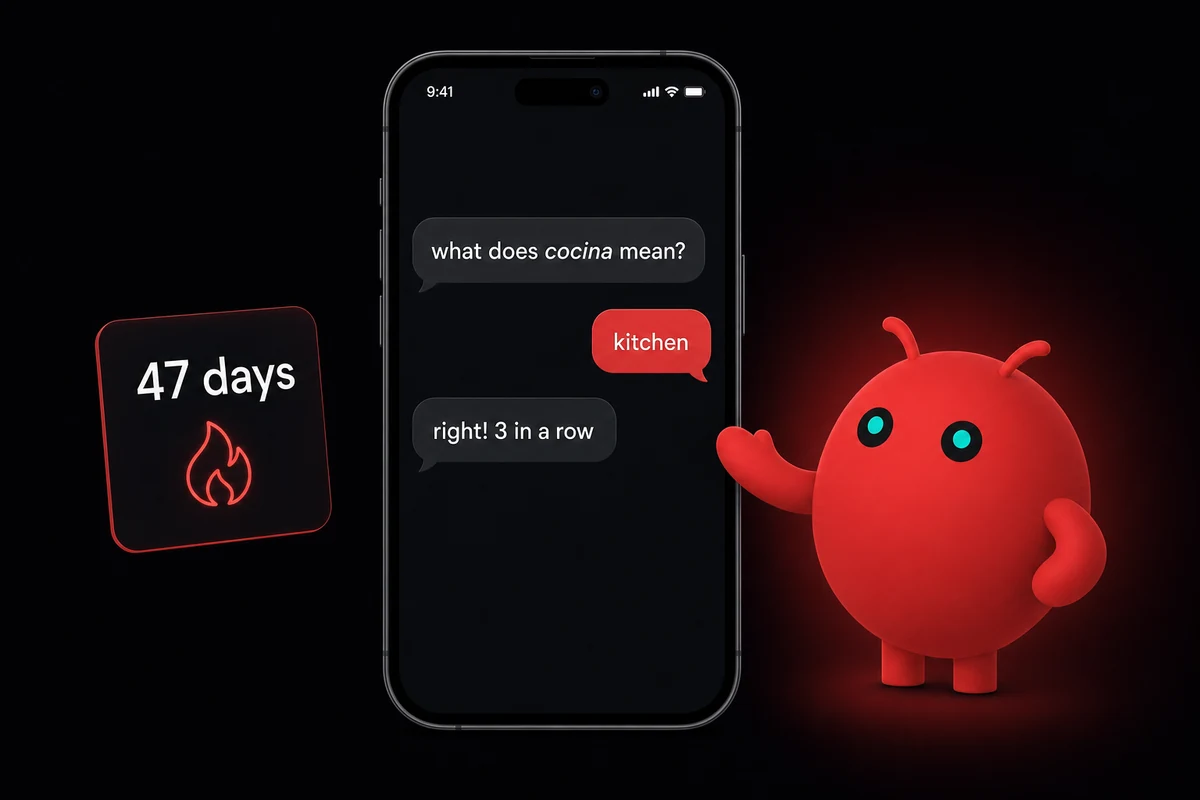
This works because the memory folder is the substrate. The agent knows you missed "préparer" two weeks ago and can ask again at the right interval. It knows which words you got right too quickly and re-tests them. Getting it right with no hesitation is exactly when Duolingo gives up. The agent doesn't.
The conversational pattern is the other half. Have the agent start a short exchange in the target language during your morning brief or evening digest. Three sentences in French while brushing your teeth is light immersion without another app.
Some weeks I forget I'm doing it; that's when it actually works.
What breaks is the agent stops re-testing words you've answered correctly three times in a row. It remembers what you got right but not how recently, so it drops them from rotation entirely. Tell the agent to deliberately re-test those words on a longer cadence. Five minutes a day across six months beats two hours one weekend that you never repeat.
Eight integration weekends is a lot for one person. OpenclawVPS provisions a dedicated VPS in 47 seconds with the chat-platform bridges, memory layer, and one-click HTTPS gateway already in place. Plans start at $19/month with a 3-day money-back guarantee.
Use case 9: a habit tracker that nudges without being annoying
Habit apps die from over-notification. Too many push notifications, no context, people delete them inside a month.
The chat-based agent can nudge in context. It asks once a day at a time you specify, in a tone the matches your current trend, and skips entirely for a week when you ask.
Tell the agent which habits you're tracking. Workouts, meditation, water intake, journaling, whatever you've actually committed to. It asks once a day at the time you set. If you missed three workouts in a row, it doesn't lecture. It asks what changed. If you're on a streak, it celebrates without spamming.
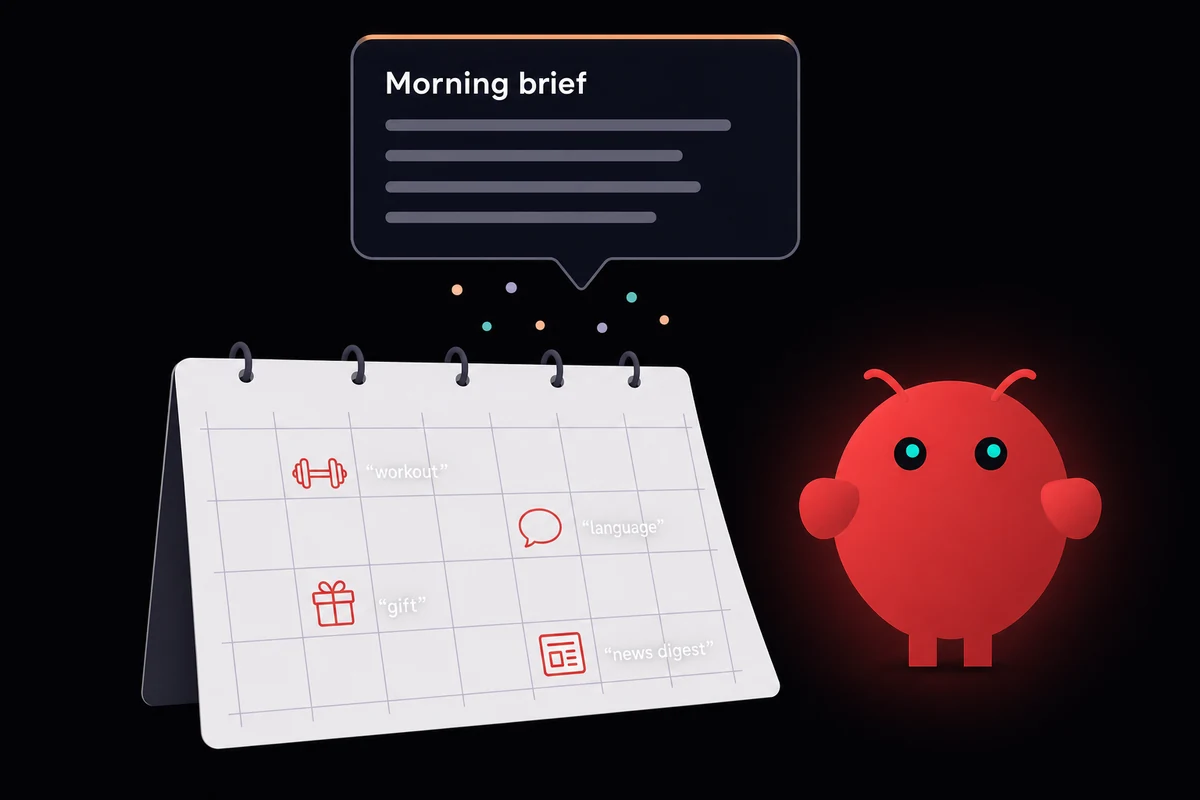
The integration with the morning briefing makes this stick. The morning brief gets a one-line habit summary: "you logged a workout yesterday, six in the last ten days." Light reinforcement, no extra app, no separate dashboard to remember to open. The habit becomes part of the morning rhythm rather than another thing on the phone.
I tried this once with seven habits at once. By day four the agent was nudging me about three things I didn't actually care about. I started ignoring the messages, which is exactly the failure mode I was trying to avoid. The fix was telling the agent to drop four of them; the three I kept actually moved.
Nudge fatigue is what to design around, not maximize-everything. Tell the agent to skip nudges entirely for a week when you ask. No shaming, no streak loss, no notifications about how disappointed it is.
Use case 10: a gift-giving assistant that remembers what they actually like
Most people forget birthdays and panic-buy generic gifts at the last minute. The agent does the remembering and the curation, not the buying. Give it the people in your life, their birthdays, and notes on what they like. Two weeks ahead, it surfaces a reminder with three gift suggestions tailored to what it knows.
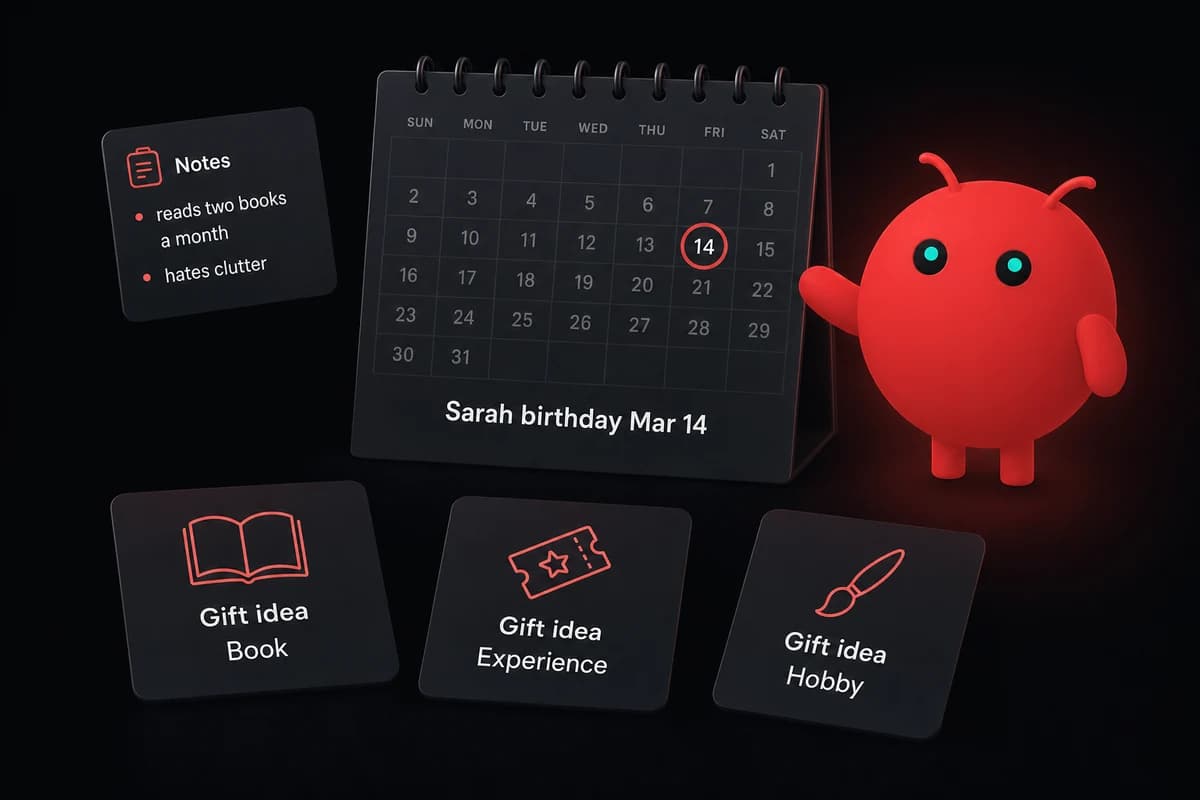
Once you've ordered, paste the tracking link to the agent. It watches delivery, alerts you to delays, and files arrival so next year it knows what you sent and avoids repeats. The package-tracking layer closes the loop on a memory the agent uses to get sharper.
What makes this useful is that the notes accumulate. After a few months of birthdays, the agent knows your sister prefers experiences over things, your dad wants tools not gadgets, your friend reads two books a month. The first round, suggestions read like a slightly better Amazon. After three or four cycles, they read like a friend who's been paying attention.
What breaks is cold-start on new people. New partner, new niece, new colleague who's now a friend. When a new name comes up, the agent asks two or three quick preference questions next time they're mentioned. The file builds over a few months rather than as one onboarding form.
Use case 11: a photo library that organizes itself by what's actually in the pictures
If your phone library has crossed twenty thousand photos, you've probably given up on finding anything in it. Mostly the same faces, mostly the same places, no way to find one without scrolling for ten minutes.
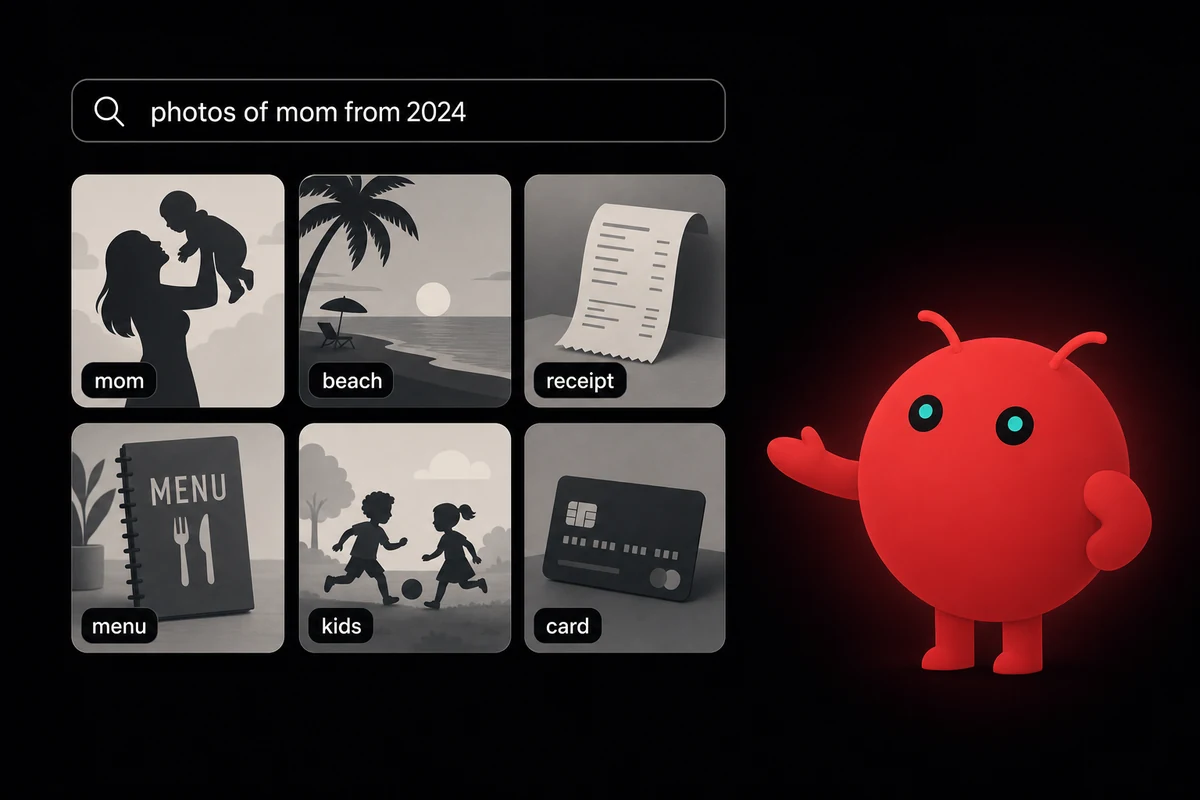
The agent reads what's in each photo, files into named folders by people and places and events, catches receipts separately, and produces an index you can query in plain language.
The setup is an evening. Point the agent at a folder of photos (an iCloud Photos export, a Google Photos takeout, a NAS share). It scans, identifies people and places and events, files into named folders, and produces a searchable index.
The query side is the magic. "Photos of mom from 2024" works because the agent has actually read what's in each image. "Every restaurant menu I photographed this year" works because it caught the difference between a menu and a meal. "Receipts from the Berlin trip" works because location and content match.
The receipts-and-documents side is a back-door personal-finance helper without ERP plumbing. The same scan catches warranties, IDs, insurance cards, and parking tickets. Files them separately. Next year when you can't find the warranty for the dishwasher that just died, it's two words of search away.
What breaks is similar faces conflated when the agent has little context. Your siblings, your cousins, your spouse and your spouse's sibling. Fix: an initial labeling pass on 20-30 photos manually so the agent has a reference set. Two hours of upfront labeling saves a year of "wait, that's not Marco, that's his brother."
Use case 12: personal-finance tracking from receipts (no ERP, no spreadsheets you'll abandon)
Most personal-finance tools fail for the same reason: they're spreadsheets, and people don't maintain spreadsheets. The agent doesn't ask you to. Receipt arrives by email or photo, the agent parses it, files by category (groceries, transport, dining, subscriptions), and updates running totals. You read a summary, not a sheet.
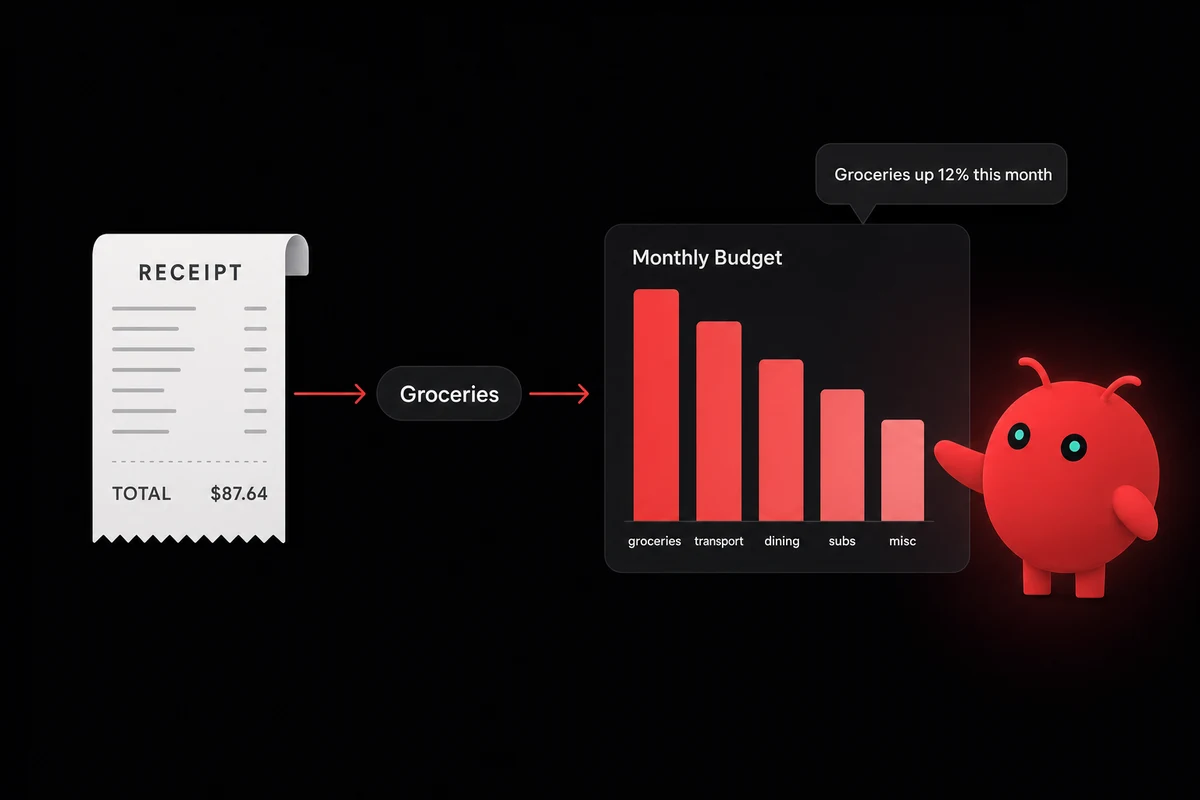
The setup is about a weekend. Wire the email trigger or the photo upload, then define the categories you care about. Let the agent process a month of past receipts as a starter set. From there the running total updates in real time.
The summary is what makes it stick. Once a week, the agent writes a one-paragraph "where did the money go" note in chat. Not a chart, not a dashboard, a paragraph: "Groceries up 12% on last month, dining flat, one new subscription you might have forgotten."
The subscription audit is the second piece. The agent watches for recurring charges in your inbox and flags anything new or unused.
The "I forgot I'm still paying for this" failure mode is what every personal-finance tool promises to solve and almost none actually do. The agent does because it has the inbox access plus the receipt log plus the running totals. Together they catch what each in isolation misses.
What breaks is the agent miscategorizing ambiguous receipts. Was that grocery store run actually a household-supplies trip with three frozen meals on the side? A monthly five-minute review fixes it. The agent learns from the corrections.
The honest payback is much softer than the 10-40 hours-a-week numbers thrown around for business deployments. It's more like twenty minutes a week. Twenty minutes a week is still a lot of weekends.
Use case 13: the household command center, shopping, recipes, smart home, all in one chat
The closer to this article is the use case that bundles the previous twelve into one thread. One chat (Telegram or WhatsApp), a memory folder, and three to five small skills wired up: shared shopping list, weekly meal plan, smart-home routine triggers, household calendar, gift-giving reminders. The setup runs one to two weekends. The payback shows up in a few weeks.
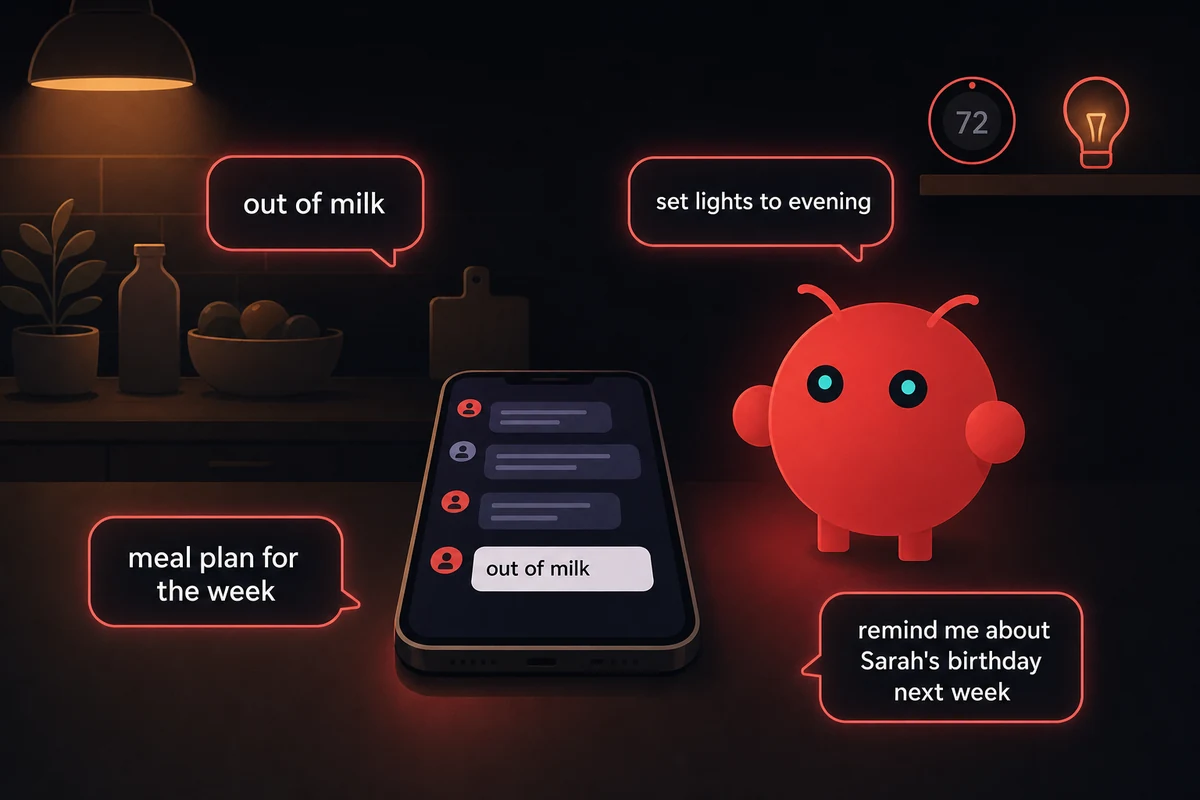
The shared-shopping-list pattern is where this stops being a solo tool. Family members text "out of milk" to the thread, the agent maintains the list, deduplicates, and produces an order grouped by aisle. Every update gets posted back so changes are visible. Without the visibility, family members stop trusting the list and start writing their own.
The smart-home layer surprises new operators. A Home Assistant + OpenClaw bridge lets one chat command turn off downstairs lights, start the dishwasher, or set an "everyone home" routine. Home Assistant is the cleanest path for non-Apple ecosystems.
The first time someone in the house realizes they can text "set lights to evening" from the car on the way home is the moment the household stack stops being a tech project and starts being normal.
The upper bound on this pattern is wider than most people realize. One operator runs a small gardening business through the same setup, extended with Gmail, LaTeX for proposals, and an invoicing integration.
The starting kit is the same as anyone else's: Telegram plus a Mac at home plus a memory folder. The only difference is what he kept adding, one weekend at a time.
What breaks is family members not trusting the agent's list updates. The fix is the visibility loop: every change posts back to the thread so nobody wonders where their item went. Trust builds in about a week; after that, the thread is the household calendar everyone defaults to.
OpenClaw use cases: the setup I run now
My current OpenClaw setup is a Telegram thread, a memory folder on a Mac mini in the kitchen, and seven of the skills above:
- The chat-app personal assistant (H2 1)
- The morning brief (H2 2)
- The voice journal (H2 3)
- The meal planner (H2 5)
- The news digest (H2 6)
- The habit tracker (H2 9)
- The personal-finance reader (H2 12)
Eight if you count gift reminders, which I added last month and haven't fully trusted yet.
Building this by hand took me four weekends spread across two months. Two were the chat-platform pairing and the first few skills; two were the calibration passes that turned the news digest and the habit tracker from noise into rhythm. For openclaw use cases for business or anything more elaborate than a household stack, you'd add another weekend per integration.
OpenclawVPS provisions a dedicated VPS in 47 seconds with OpenClaw, the chat-platform bridges, a one-click HTTPS gateway, and the memory layer ready. Pricing starts at $19/month, all EU regions, 3-day money-back guarantee. The patterns above are still up to you to wire; the infrastructure underneath is one click.


